
Parallel Git worktrees,
finally organized.
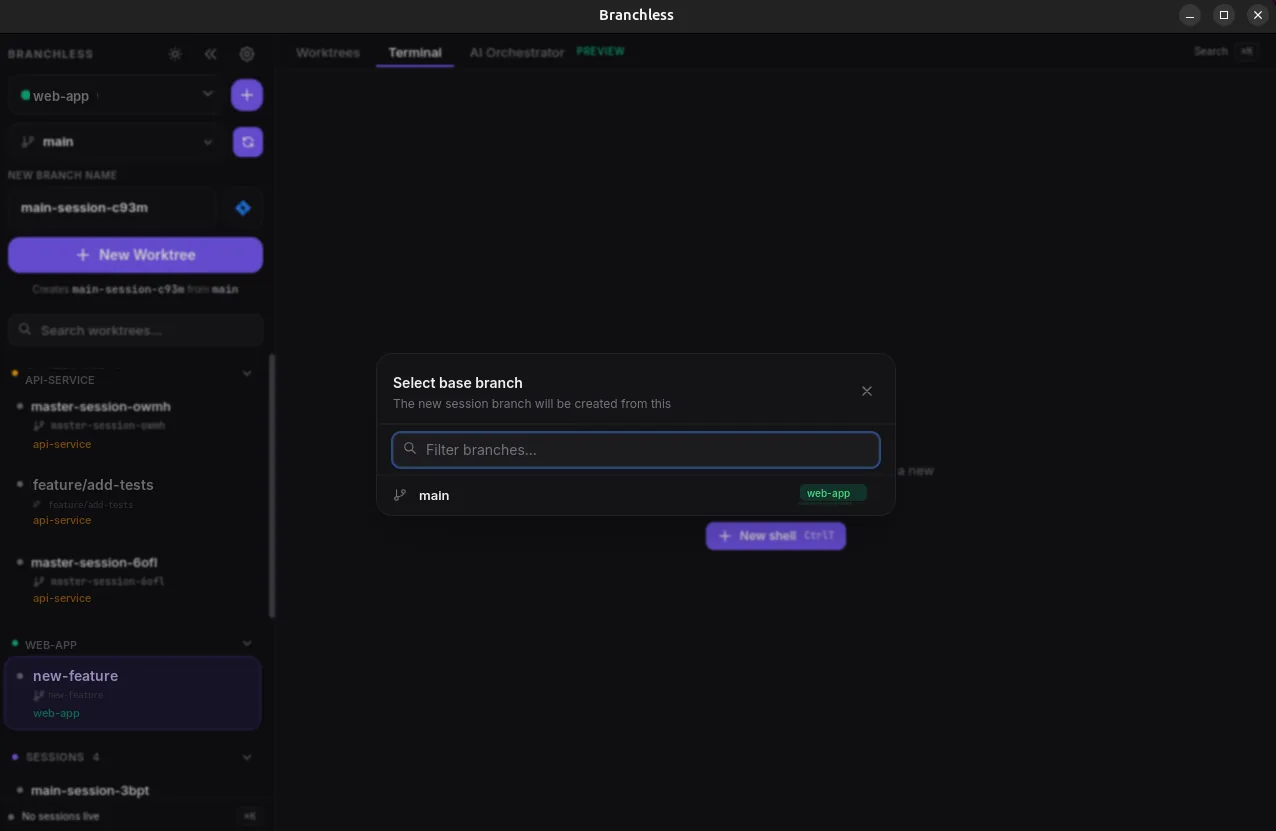
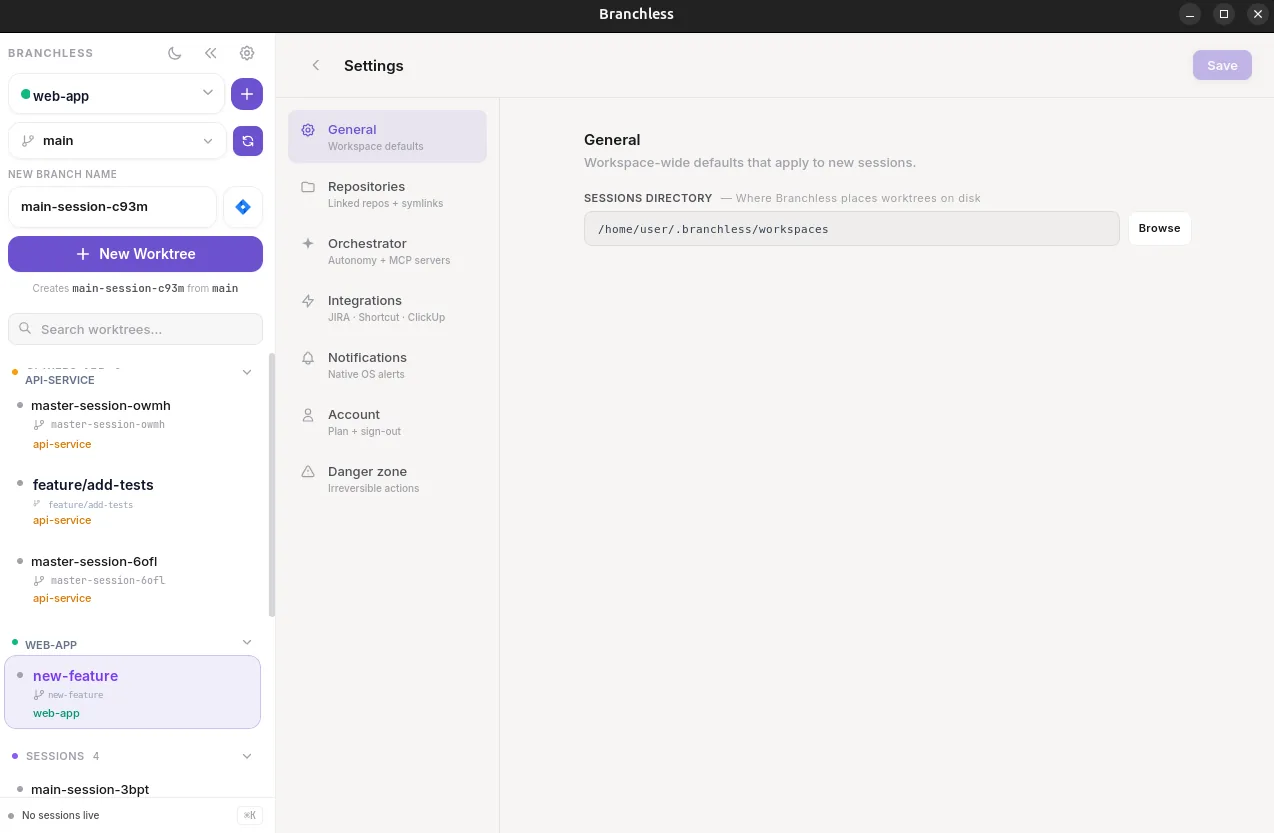
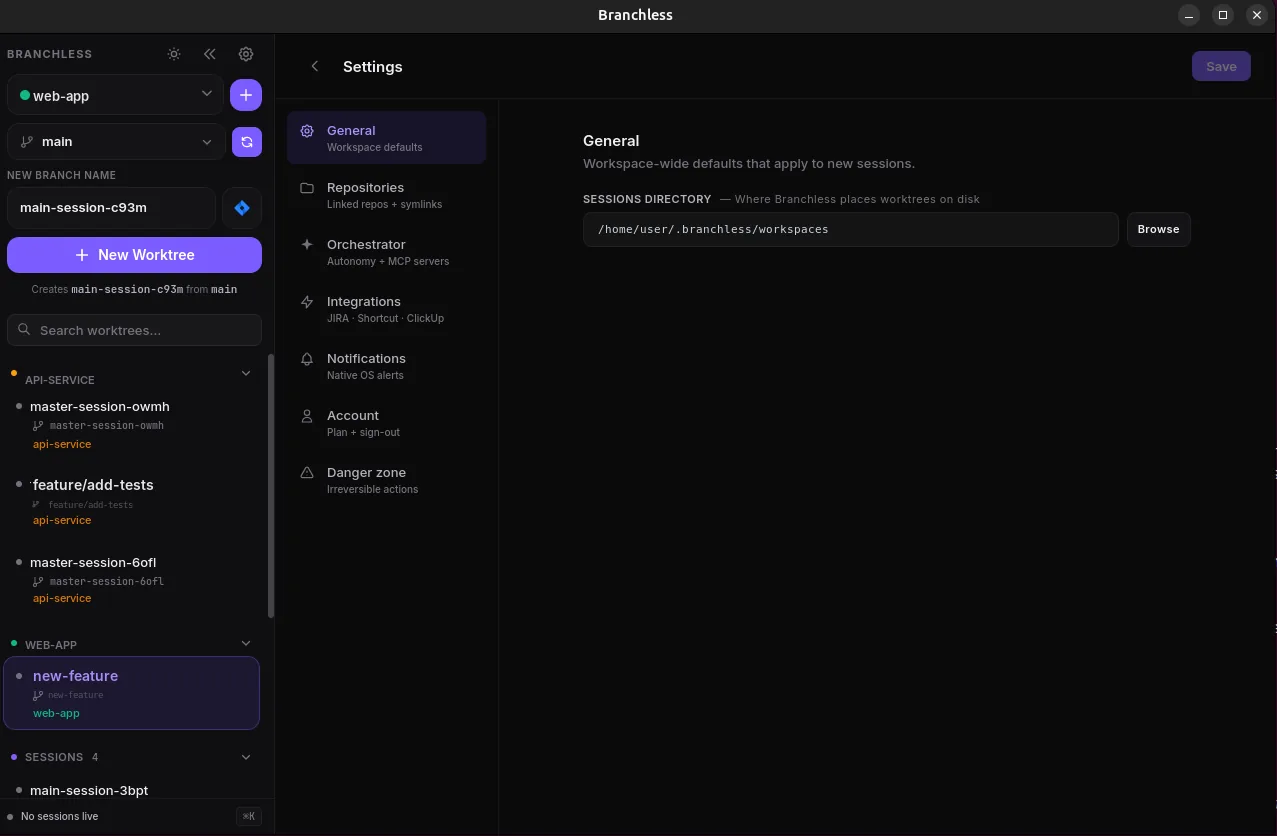
Work on multiple branches at the same time, each in its own isolated workspace. No stashing, no context switching, no reinstalling dependencies. Just open a session and code.
Works with the tools you already use
How it works
From ticket to code in seconds
Four steps to parallel development bliss.
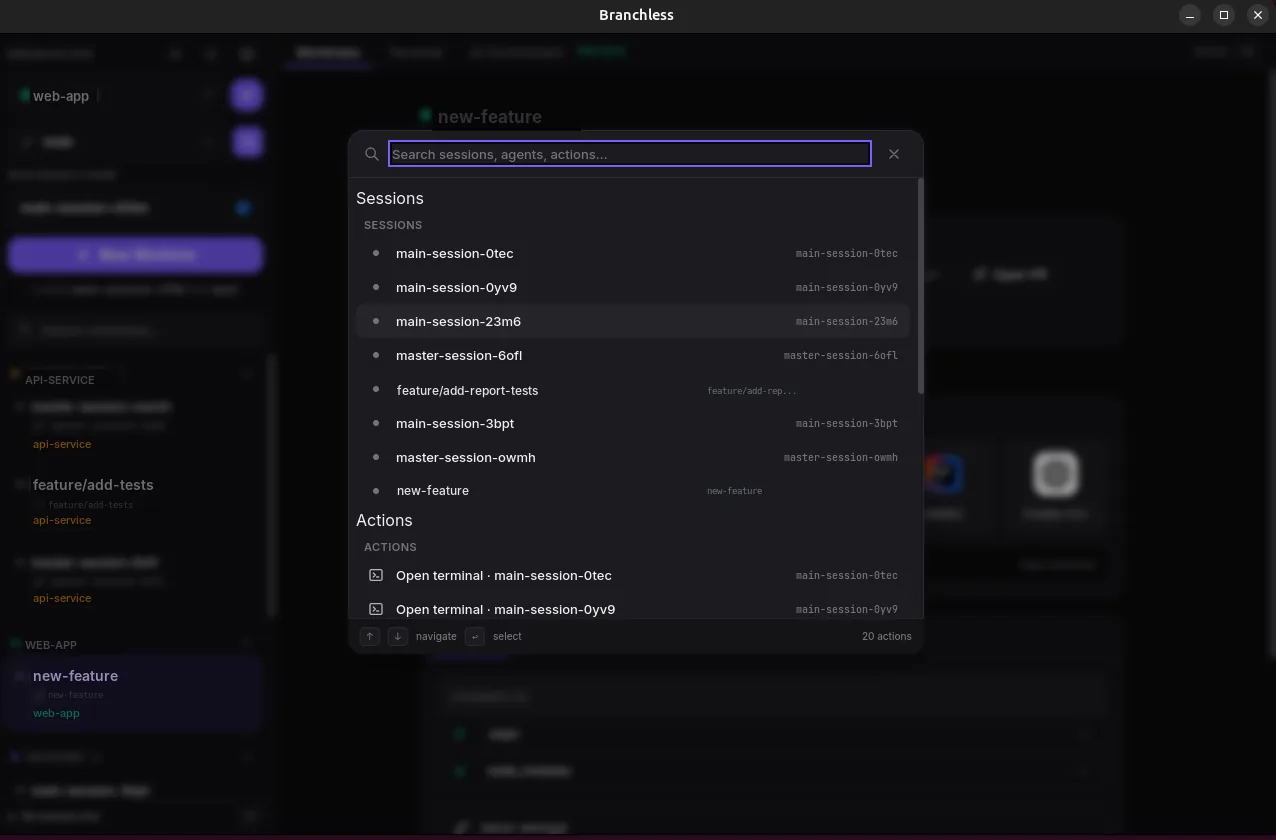
Create a Session
Pick a ticket or branch name. Branchless creates a new git worktree in seconds, with no manual setup required.
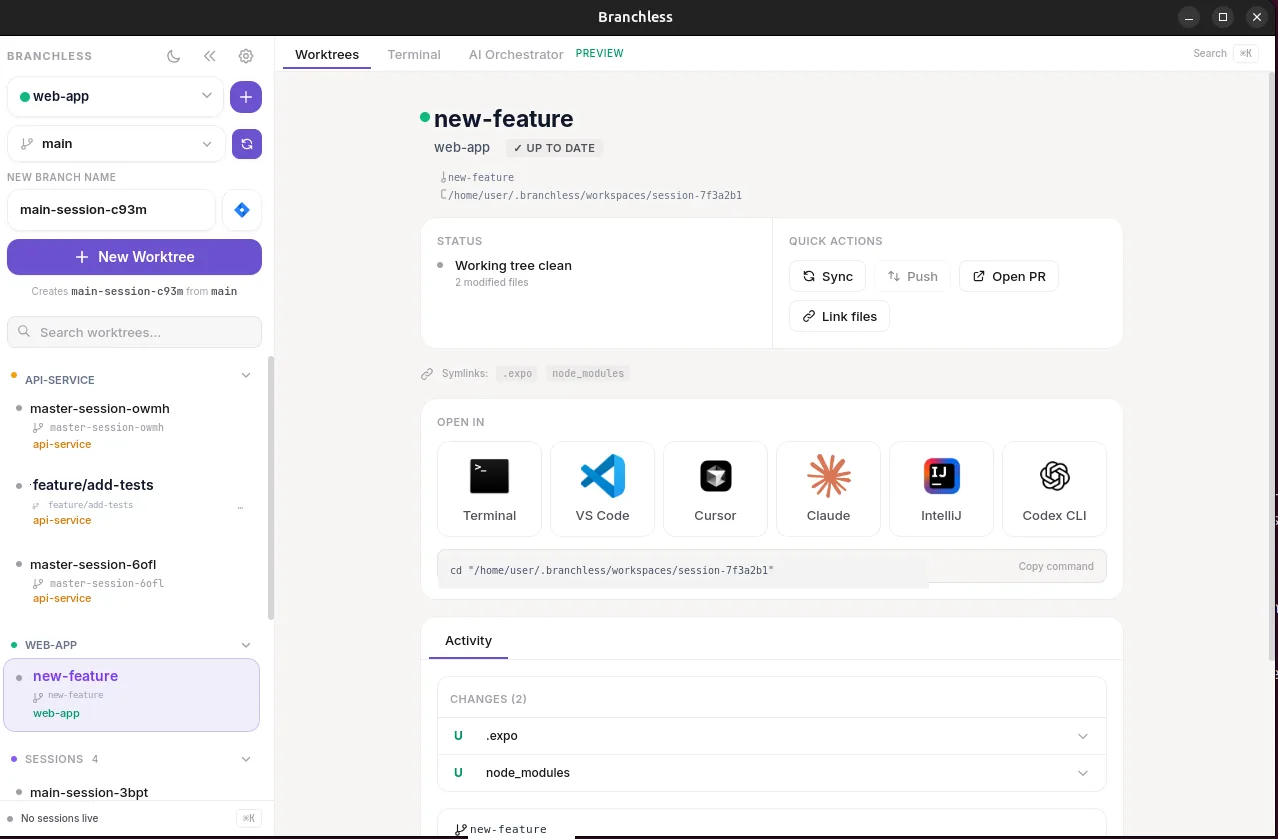
Open in Your Editor
Open VS Code, Cursor, Claude Code, Codex CLI, IntelliJ, or Terminal directly in the isolated workspace. Your editor sees only the files for that branch.
Work in Parallel
Switch between tasks instantly. Each session has its own branch, files, and state, completely isolated from everything else.
Built-in Terminal
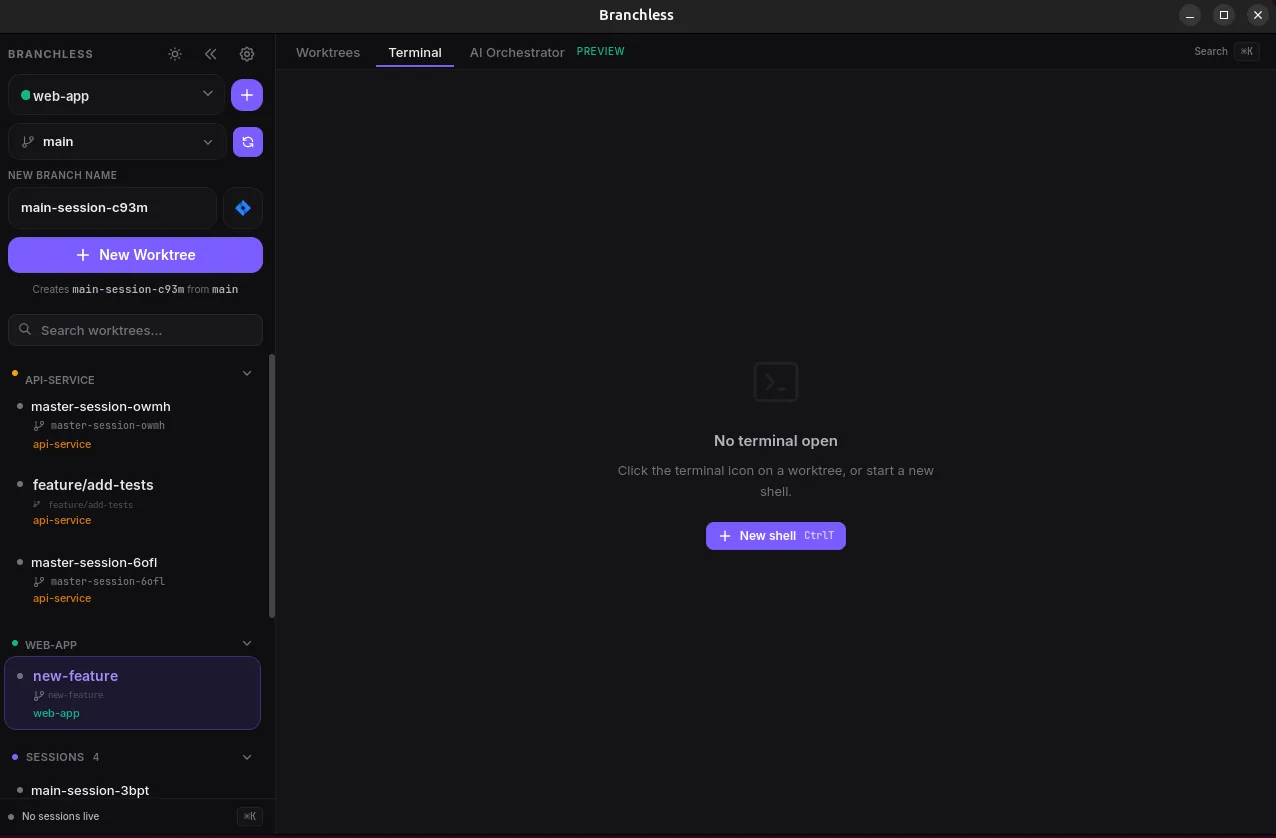
A full terminal sits next to your worktrees: split panes horizontally or vertically, search the scrollback, open new tabs scoped to the active session. No more juggling separate terminal windows.
Parallel AI Agents
Run three Claudes at once.
Without them stepping on each other.
Each worktree is its own checkout on disk, so you can run Claude Code, Codex CLI, or any other agent inside its own terminal pane. Different tasks, different branches, zero cross-talk.
Isolated working trees
Each branch lives in its own folder. Agents can install deps, run dev servers, and edit files without colliding.
Split terminal, single window
One Branchless terminal tab can be carved into mixed horizontal + vertical splits, one agent per pane.
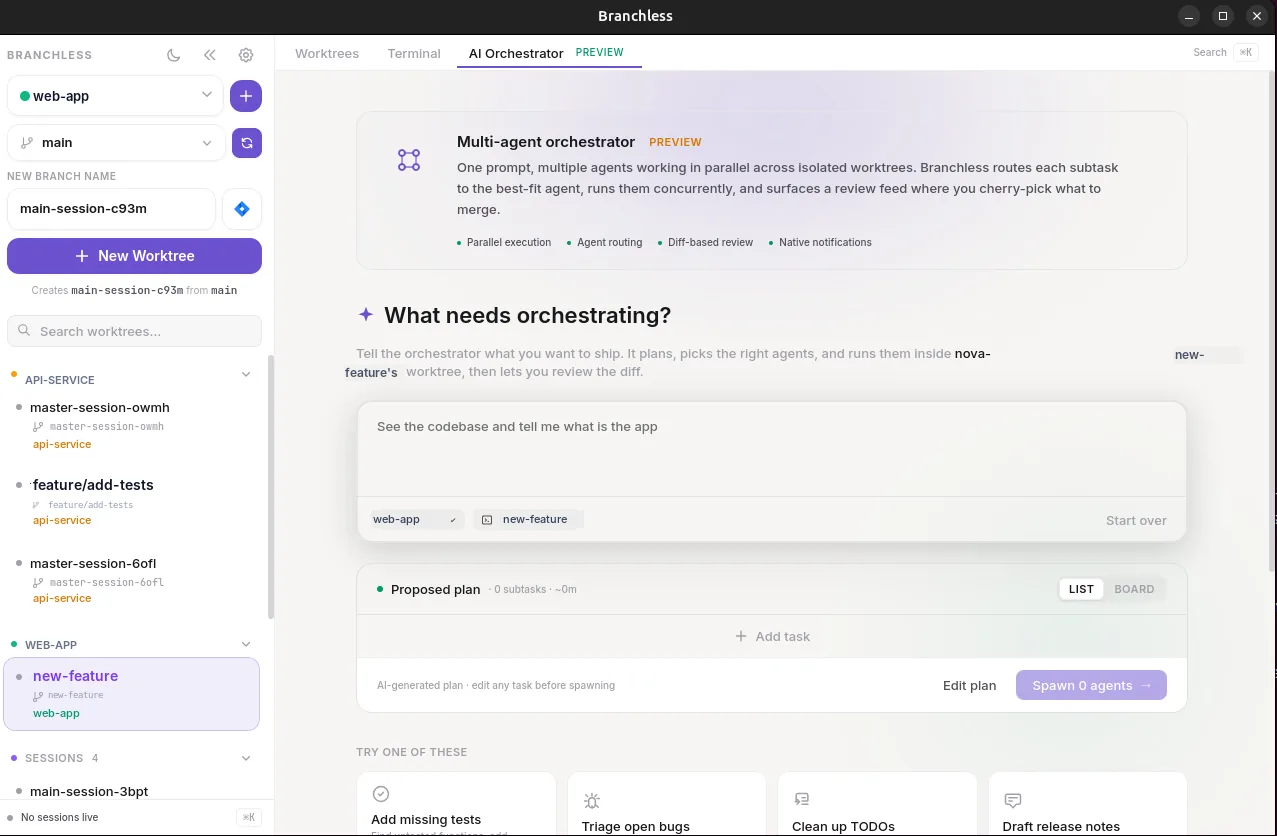
AI orchestrator built in
Describe a goal. Branchless picks the repo, names the branch, spawns the worktree, and launches the agent.
AI Orchestration
One prompt in.
A graph of agents out.
Describe what you want to ship. A planner model breaks it into subtasks and figures out which ones depend on which. Independent tasks run in parallel, each in its own worktree; dependent tasks wait for their inputs. Then you review one combined diff.
Layer 0 · runs in parallel
Layer 1 · waits for the endpoints above
Real dependency graph
The planner returns subtasks with explicit dependencies. Branchless topologically layers them, so independent work fans out and dependent work waits, with no manual sequencing.
A worktree per task
Every code task gets its own branch and checkout on disk. Agents edit, install, and run in isolation, then you review the merged result as a single diff.
Your CLIs, your quota
Branchless spawns the agent you already use (Claude Code, Codex, or Aider) with your own login. No embedded provider, no extra key, no per-call billing from us.
MobileComing soon
Your worktrees.
In your pocket.
The Branchless app turns your phone into a remote control for the machine on your desk. Kick off an orchestration run while you are away, watch the task graph fill in live, and review the combined diff before you are back at the keyboard. The agents still run on your own hardware with your own logins.
Start a run from anywhere
Describe a goal and launch a parallel orchestration run on your own machine. Independent tasks fan out into their own worktrees while you follow along from the phone.
Watch the graph live
The same dependency graph you see on the desktop streams to your phone as it runs, so you always know which agents are working and which ones are waiting on inputs.
Ship without a laptop
Open a session, read the merged diff, then commit, push, and open a pull request straight from your pocket. Your machine does the work and the phone drives it.
4 tasks open simultaneously. Zero branch switches.
Integrations
Connects to your workflow
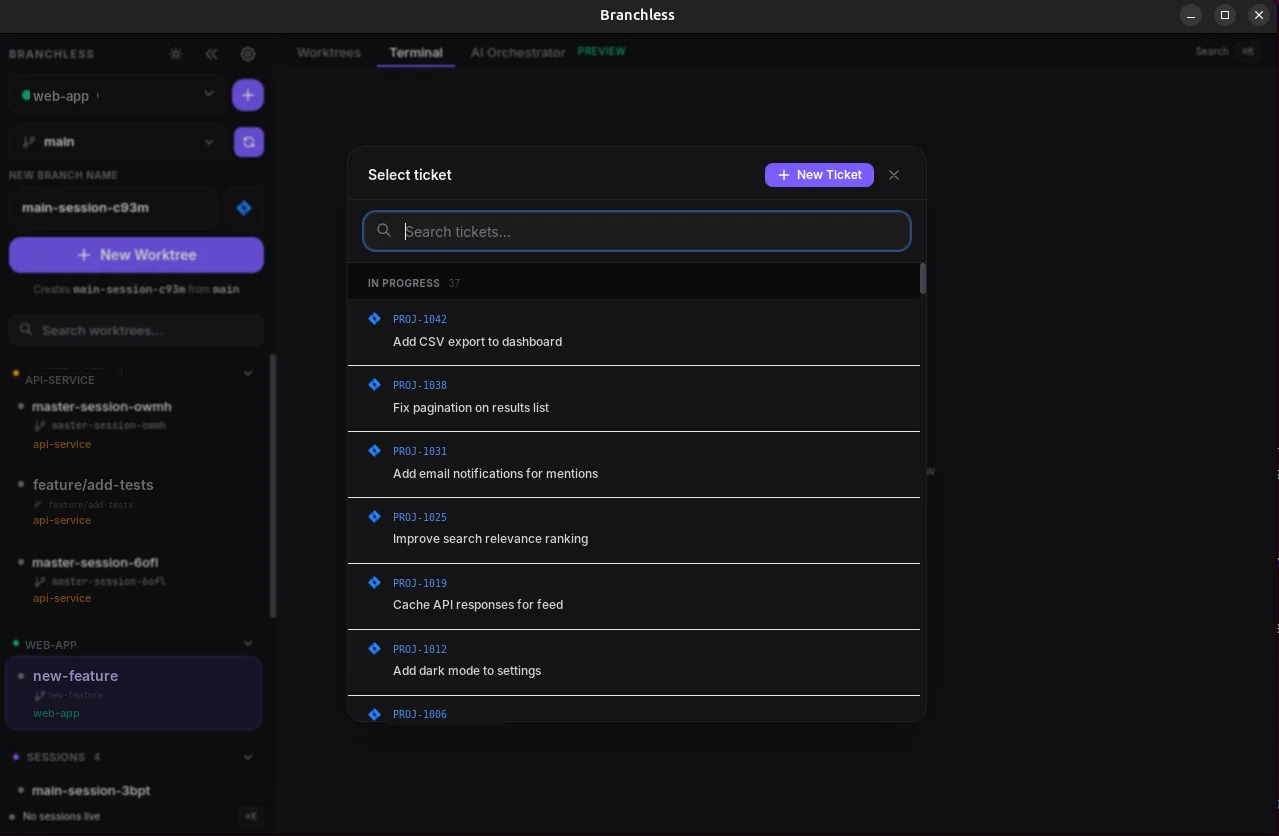
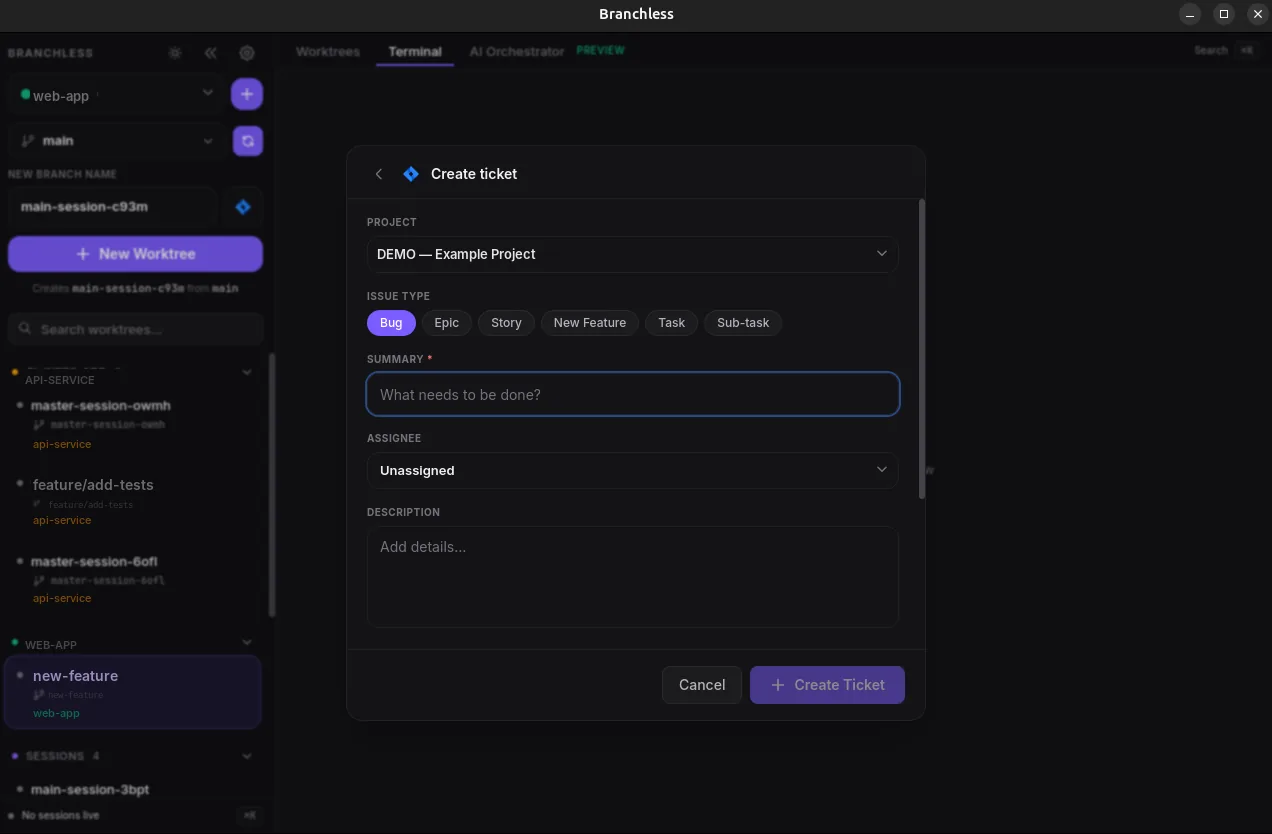
Branchless integrates directly with your project management tools: browse tickets, create branches, and start coding without switching apps.

Jira
- Browse your backlog without leaving the app
- Create tickets directly from Branchless
- Auto-generate branch names from ticket titles
- Link sessions to Jira issues

Shortcut
- Browse Shortcut stories at a glance
- Create stories from within the app
- Auto-generate branch names from story titles
- Link sessions to Shortcut stories

ClickUp
- Browse ClickUp tasks across spaces
- Create tasks directly from Branchless
- Auto-generate branch names from task titles
- Link sessions to ClickUp tasks
From the blog
Git worktrees & parallel AI agents
6 min read
Claude Fable 5: 72 Hours Live, and the Lesson for Parallel AI Coding
Anthropic launched Claude Fable 5 on June 9, 2026, and the US government pulled it (and Mythos 5) three days later. Here is what happened, and the durable lesson for running AI agents in parallel.
5 min read
Claude Fable 5 vs Claude Mythos 5: What Is the Difference?
Anthropic withheld Claude Mythos 5, then released Claude Fable 5 publicly, the same model with guardrails. Three days later the US government had both pulled globally. Here is the full breakdown.
5 min read
Codex Subagents and the Rise of Parallel AI Coding
OpenAI added subagents to Codex in March 2026, explorer, worker, and default roles, up to six running at once. Parallel multi-agent coding is now the industry default. Here is how it works.
FAQ
Frequently asked questions
What is a Git worktree?
A Git worktree lets you check out more than one branch of the same repository at the same time, each in its own folder with its own files. Branchless creates and manages these worktrees for you, so every branch you work on is fully isolated on disk.
How is this different from git stash or cloning the repo twice?
Worktrees share a single repository’s history and objects, so there is no re-cloning and no stash-pop dance. Each branch gets its own working directory and dependencies, and you can switch between them instantly without losing in-progress work.
Do I need an account or API key to get started?
No. Branchless is free to download and you do not need an account to start. AI coding agents like Claude Code and Codex run through their own CLIs using your own credentials.
Does my code leave my machine?
No. Your repositories and worktrees stay on your machine, and the agents run on your own hardware with your own logins. Branchless does not access, read, or store the contents of your code, files, or git history.
Which AI agents can I run?
You can run Claude Code, Codex, Aider, or any other agent that runs in a terminal, each in its own worktree and terminal pane, side by side, without them stepping on each other.
Which platforms are supported?
Branchless runs on macOS, Windows, and Linux, and it is free to get started.
Simple, honest pricing
Start free. Upgrade to Pro when you need unlimited parallel work.
Free
For trying Branchless on a single project.
- 1 repository
- 2 parallel sessions
- Isolated git worktrees
- Use your own agent CLI / API keys
Pro
Unlimited everything, billed monthly.
- Unlimited repositories
- Unlimited sessions
- Unlimited parallel runs
- AI orchestration across worktrees
- Priority support & early access
Your code never leaves your machine. Plans only unlock parallelism and orchestration.